
Back

Rahul Agarwal
Founder | Agentic AI... • 12h
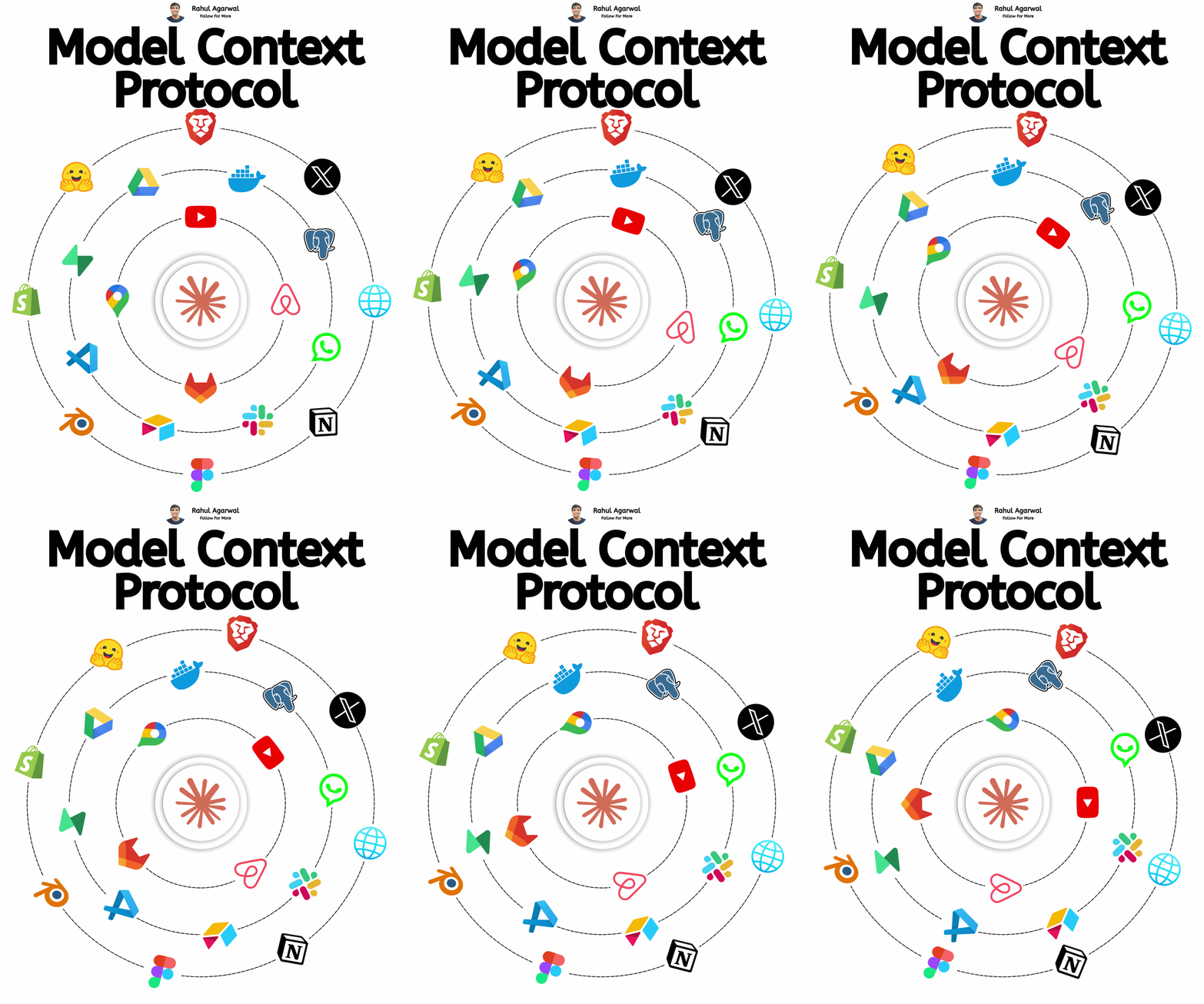
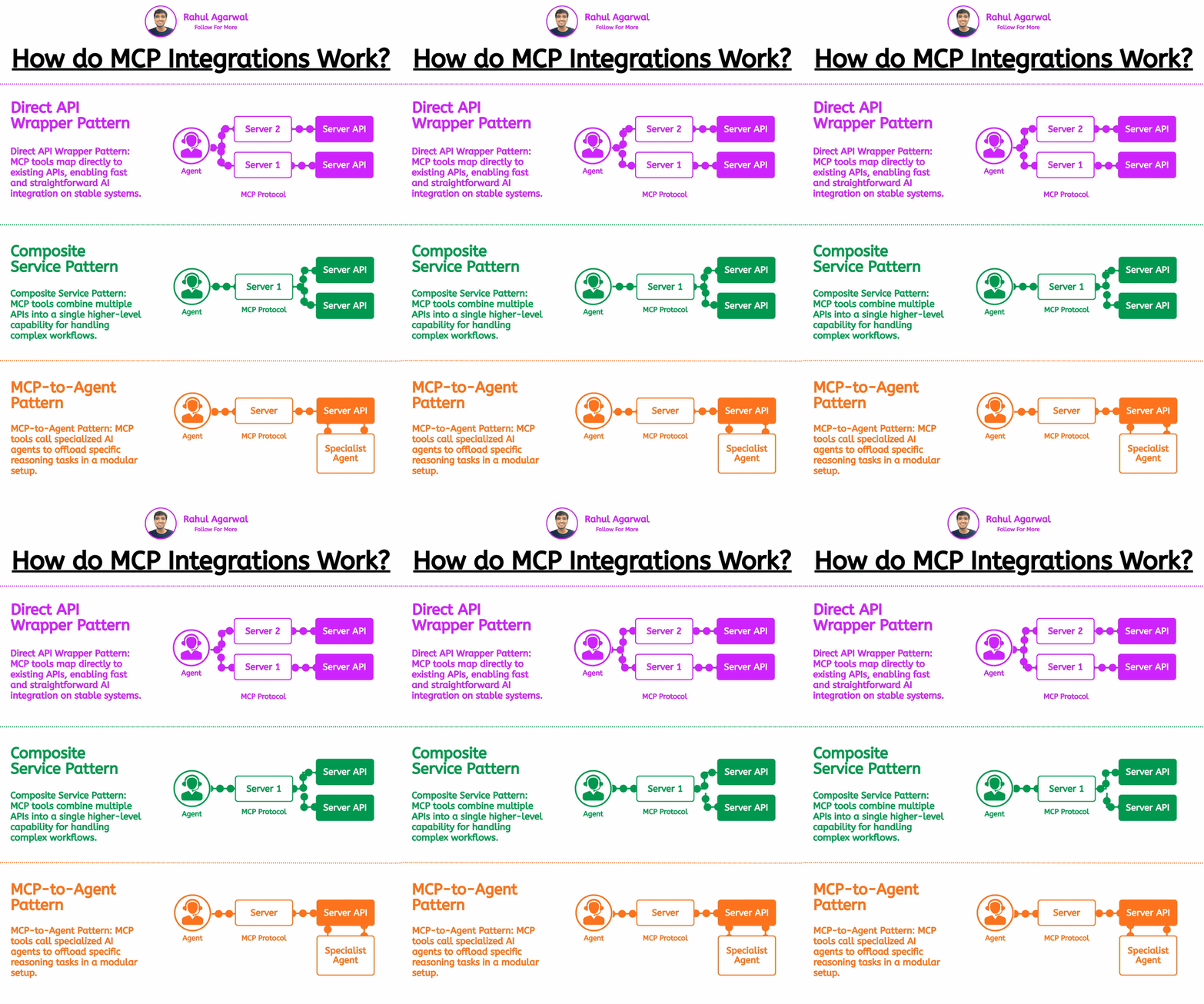
Most non tech people learning AI don't get MCP. I've given a simple clear explanation. 1. 𝗨𝘀𝗲𝗿 Everything still starts with the User. • The user wants something done • Example: “Send a message to my team” or “Summarise my Google Docs” But now the user wants the AI to do real actions, not just chat. 2. 𝗔𝗜 𝗔𝘀𝘀𝗶𝘀𝘁𝗮𝗻𝘁 (𝗠𝗖𝗣 𝗖𝗹𝗶𝗲𝗻𝘁) The AI app (ChatGPT, Claude, AI agents, Cursor, etc.) acts as the MCP Client. It: • Understands the user request • Decides if tools are needed • Looks for available MCP tools Think of it as the brain that wants to use apps. 3. 𝗧𝗵𝗲 𝗣𝗿𝗼𝗯𝗹𝗲𝗺 (𝗕𝗲𝗳𝗼𝗿𝗲 𝗠𝗖𝗣) Before MCP, every AI tool needed custom integrations. If an AI wanted to use: • Slack • Notion • Google Drive • Shopify Developers had to build separate integrations for each app. This was slow, messy, and not scalable. 4. 𝗠𝗖𝗣 (𝗠𝗼𝗱𝗲𝗹 𝗖𝗼𝗻𝘁𝗲𝘅𝘁 𝗣𝗿𝗼𝘁𝗼𝗰𝗼𝗹) MCP is the universal standard that solves this. One standard way for AI to connect with apps and data. Now AI can talk to tools using one shared language. 5. 𝗠𝗖𝗣 𝗦𝗲𝗿𝘃𝗲𝗿 (𝗧𝗼𝗼𝗹 𝗣𝗿𝗼𝘃𝗶𝗱𝗲𝗿) An MCP Server exposes tools to AI. Companies build MCP servers so AI can use their product. Examples: • Slack MCP server → send messages • Google Drive MCP server → read/write files • Notion MCP server → create pages • Database MCP server → run queries The server = Gateway to the app. 6. 𝗠𝗖𝗣 𝗧𝗼𝗼𝗹𝘀 (𝗪𝗵𝗮𝘁 𝗔𝗜 𝗔𝗰𝘁𝘂𝗮𝗹𝗹𝘆 𝗨𝘀𝗲𝘀) Inside every MCP server are Tools. Tools are simple actions like: • send_slack_message() • search_documents() • create_notion_page() • query_database() Each tool tells the AI: • What it does • When to use it • What inputs it needs This lets the AI choose tools by itself. 7. 𝗧𝗼𝗼𝗹 𝗗𝗶𝘀𝗰𝗼𝘃𝗲𝗿𝘆 The AI connects to MCP servers and asks: “What tools do you have?” The server replies with a tool list + descriptions. Now the AI knows what actions are possible. 8. 𝗔𝗜 𝗗𝗲𝗰𝗶𝗱𝗲𝘀 𝗪𝗵𝗮𝘁 𝗧𝗼 𝗗𝗼 User: “Send the meeting notes to my team.” AI thinks: • I need Slack • I need Google Docs • I should call tools This is where AI becomes an Agent, not just a chatbot. 9. 𝗧𝗼𝗼𝗹 𝗘𝘅𝗲𝗰𝘂𝘁𝗶𝗼𝗻 The AI calls the tool via MCP. Example flow: • Reads the document • Summarises it • Sends message on Slack The MCP server executes the action safely. Now the AI is doing real work. 10. 𝗥𝗲𝘀𝗽𝗼𝗻𝘀𝗲 𝗕𝗮𝗰𝗸 𝗧𝗼 𝗨𝘀𝗲𝗿 The tool sends results back → AI explains → User gets confirmation. User: “Send notes to team.” AI: “Done. Sent in hashtag#marketing.” The loop continues as the user gives new tasks. 𝗪𝗼𝗿𝗸𝗳𝗹𝗼𝘄 User → AI → MCP → Apps → Actions This is basic, but many beginners still don’t understand MCP.
More like this
Recommendations from Medial





Himanshu Singh
•
Wherehouse • 11m
Alright, let’s break down what an MCP server is in simple terms! Imagine you have a really smart robot assistant—like a super helpful friend who can answer questions and do tasks for you. But here’s the catch: this robot only knows what it’s been t
See More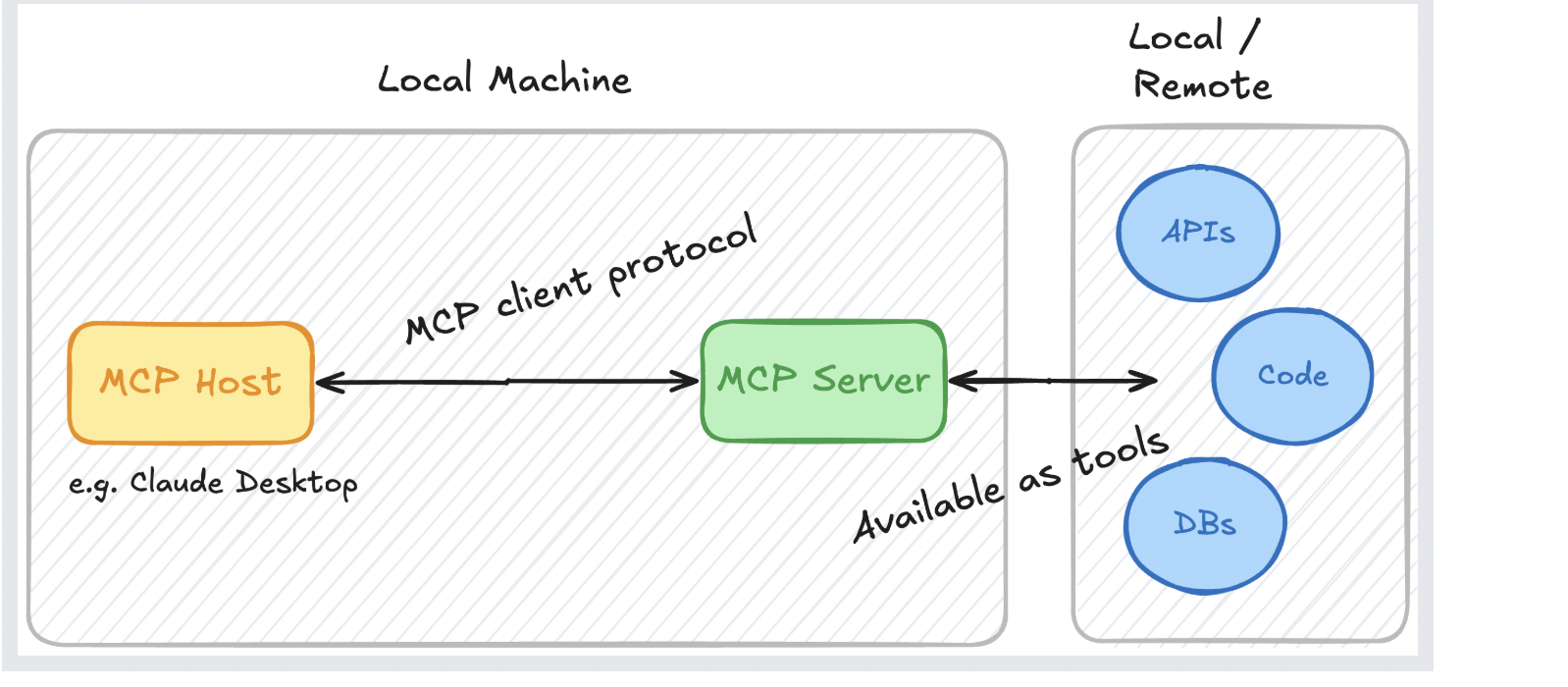





Thakur Ambuj Singh
Entrepreneur & Creat... • 11m
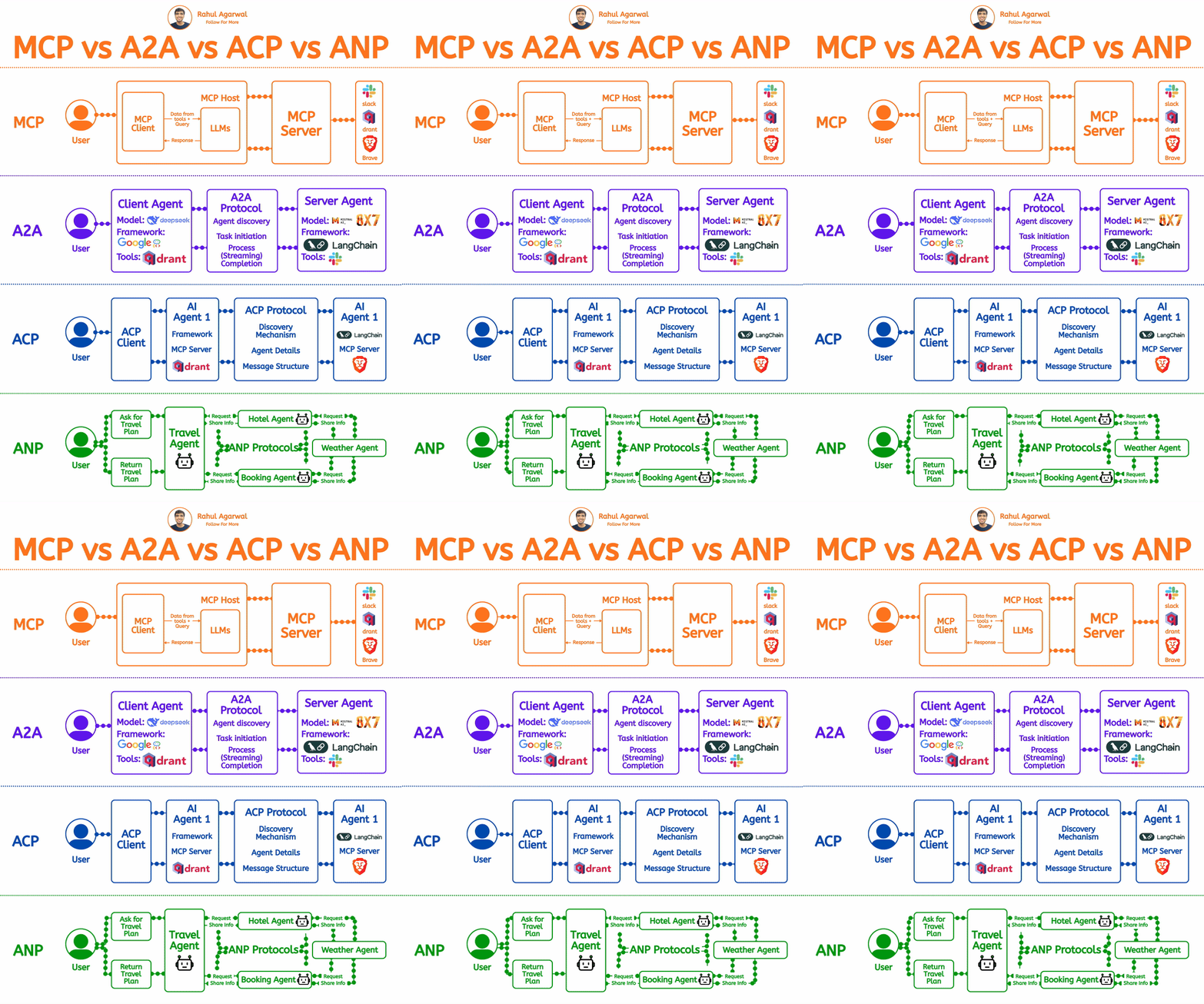
🚀 MCP Architecture: Powering Seamless AI Integration! ⚡ Imagine a world where your AI interacts effortlessly with remote services like Slack, Gmail and Calendar 📅 while also tapping into local data sources 💾 MCP (Multi-Component Processing) bridg
See More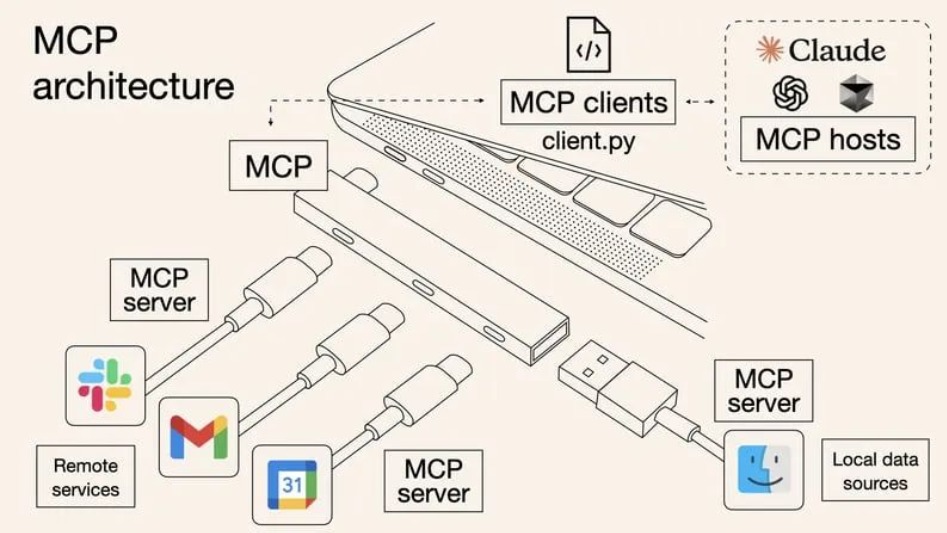



/entrackr/media/post_attachments/wp-content/uploads/2021/08/Accel-1.jpg)






















Download the medial app to read full posts, comements and news.